
Best Practices in SQL
This article is a complementary resource to the Learn SQL Basics course.
This article is a complementary resource to the Learn SQL Basics course.
Best Practices in SQL
Writing clean and readable SQL queries is an essential skill, especially when working on complex queries or collaborating with others.
To make your queries not only error-free but also easy to read and maintain, follow these best practices:
Although SQL is case-insensitive, it's a good practice to write keywords like SELECT and FROM in uppercase. This makes your queries easier to read and understand.
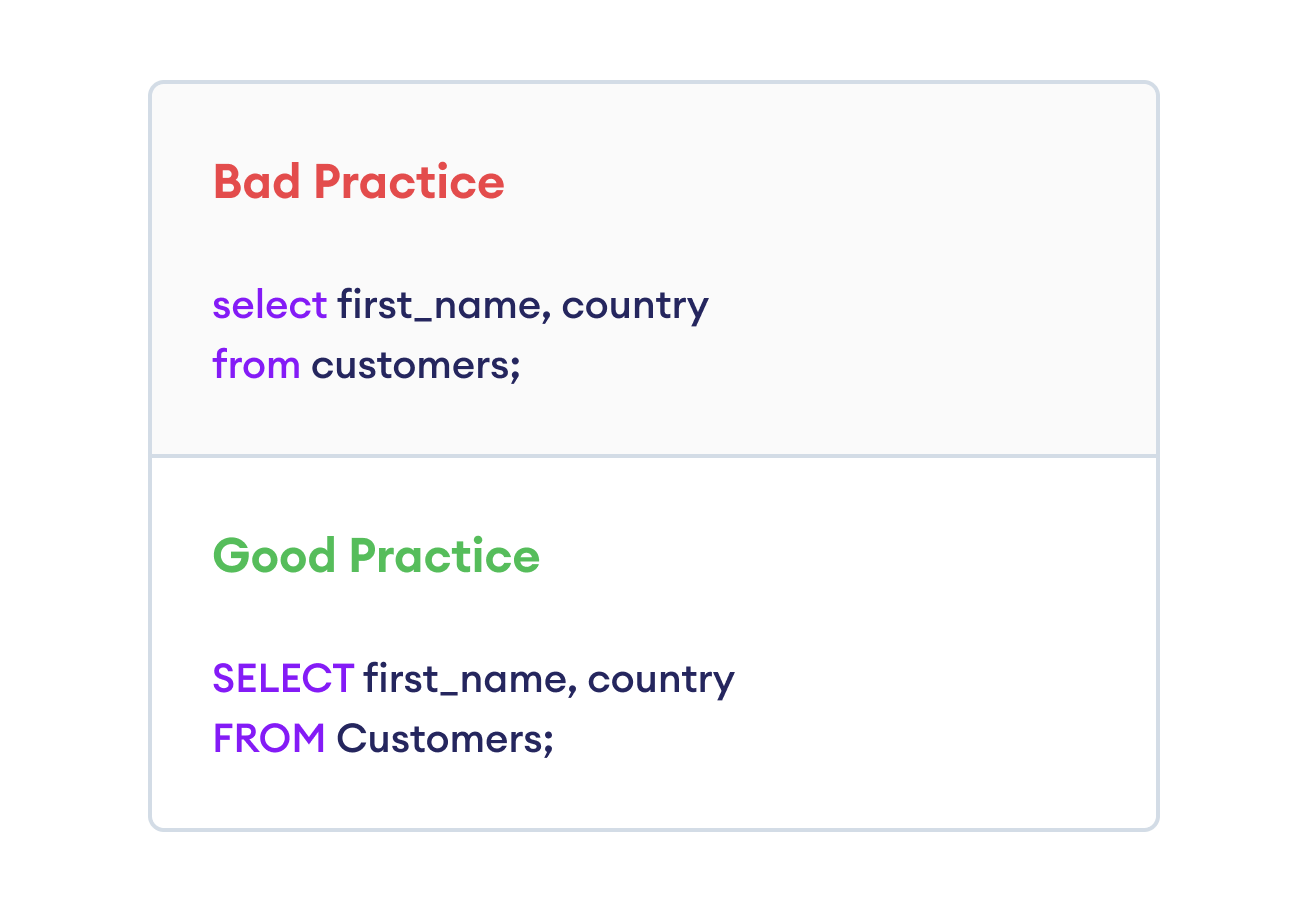
Capitalized keywords make differentiating between SQL commands and table or column names easier.
While writing an entire SQL query in one line is possible, proper indentation and spacing significantly improve readability. Break your query into logical parts and use new lines for different clauses.
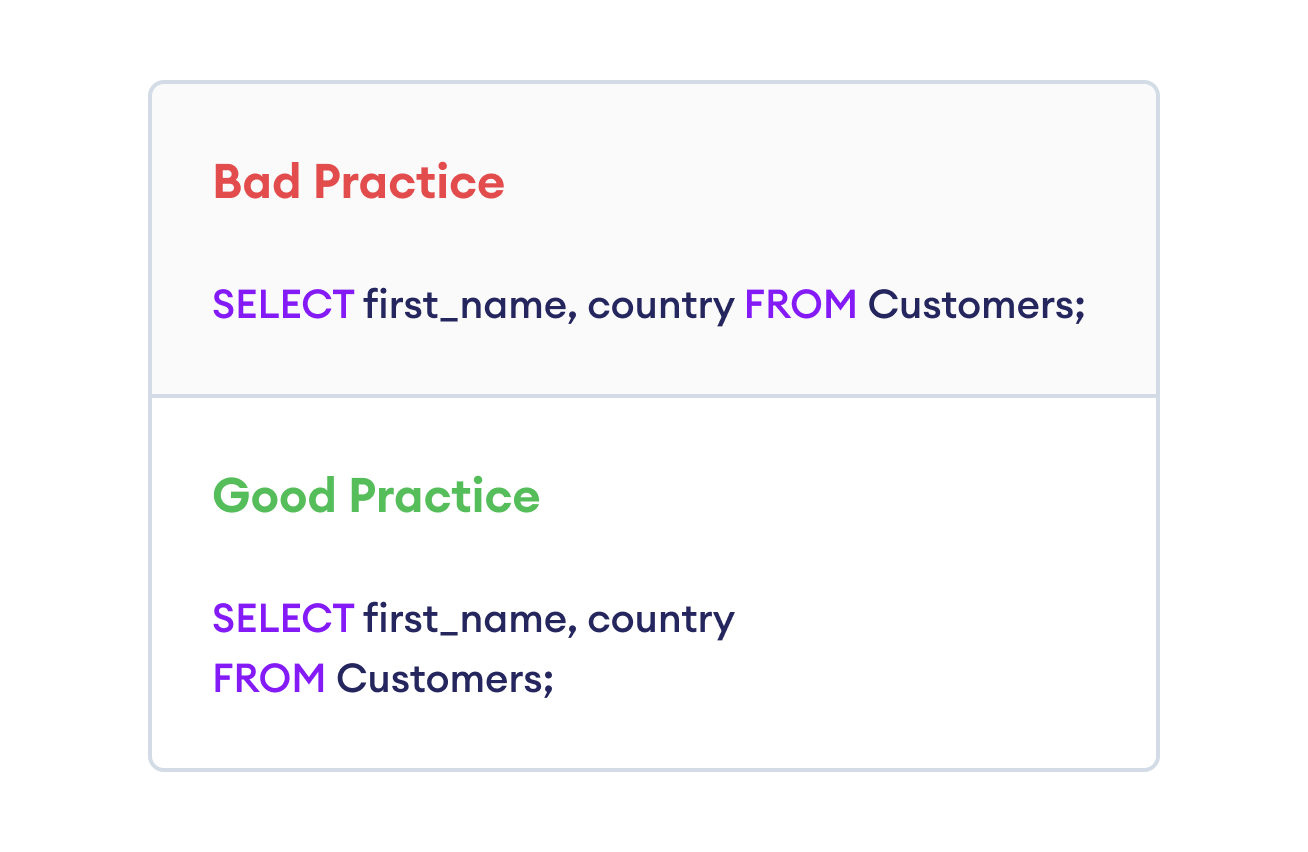
Readable queries save time during debugging and make your code look professional.
Aliases can simplify queries by shortening table or column names. However, unclear or overly short aliases may cause confusion. Always choose descriptive, meaningful aliases.
Bad Practice
-- "t" is too vague

SELECT t.first_name, t.last_name
FROM Customers AS t;
Good Practice
-- "c" clearly refers to "Customers"

SELECT c.first_name, c.last_name
FROM Customers AS c;
Avoid vague aliases like t or excessively long ones like CustTblAlias. Descriptive aliases make queries easier to read and understand.
Comments help explain the purpose of a query, especially if it's lengthy or complex. Use comments to clarify your logic for others–or for yourself later.
Example
-- Retrieve all customers from New York

SELECT first_name, last_name
FROM Customers
WHERE city = 'New York';
Short queries often don't require comments, but for longer or multi-step queries, comments are invaluable.
When working with large datasets, use LIMIT to test your queries without fetching millions of rows.
Bad Practice
SELECT first_name, last_name
FROM Orders;
Good Practice
-- Limits the result to 10 rows

SELECT first_name, last_name
FROM Orders
LIMIT 10;
Using LIMIT retrieves a manageable sample of data. For more control, combine LIMIT with OFFSET to skip rows and fetch specific subsets.
Writing clean SQL queries ensures clarity, efficiency, and maintainability.
With consistent practice and attention to detail, you'll write professional-grade SQL that's easy to debug and collaborate.